

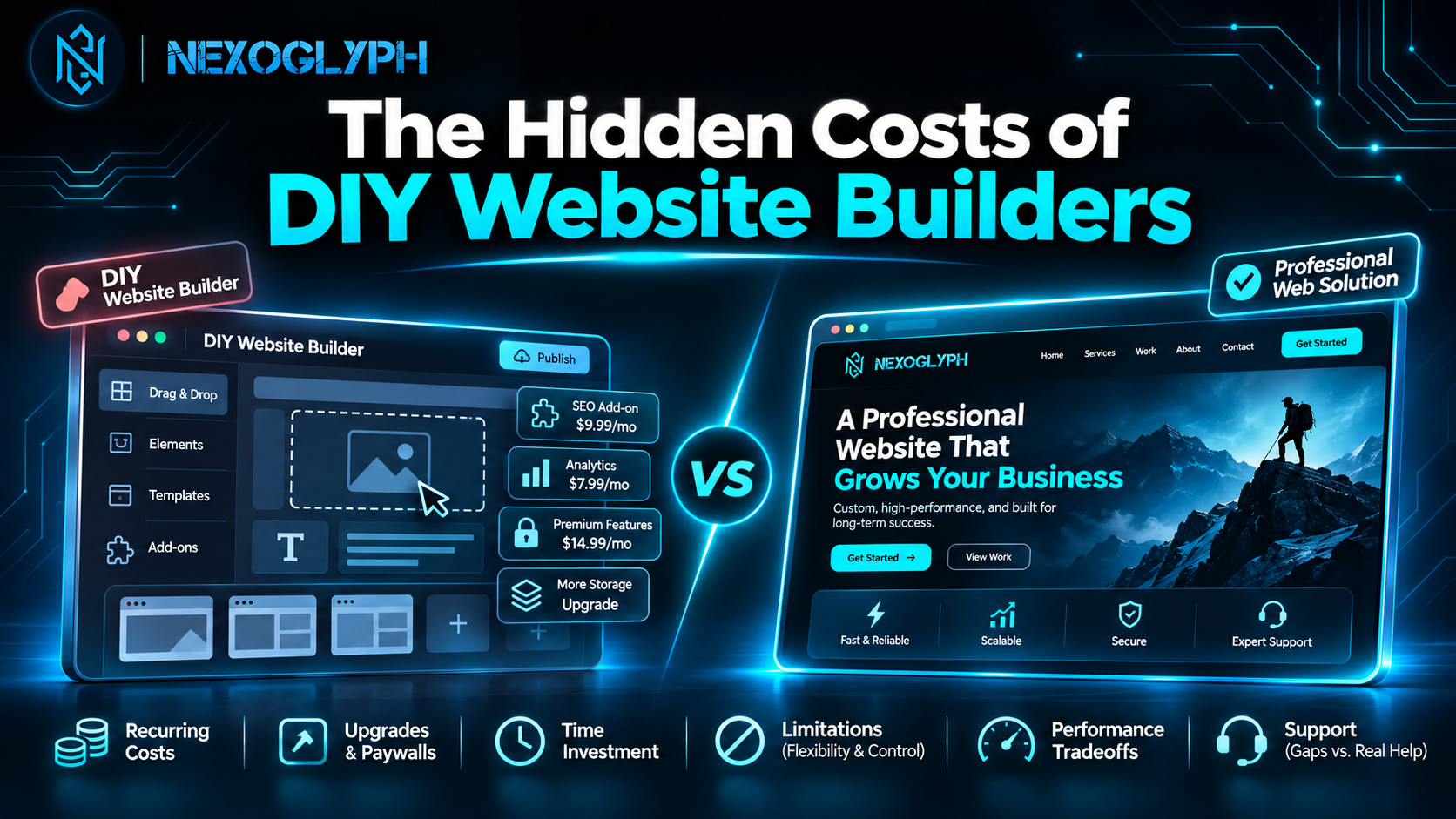
Building a website has never been easier. With platforms offering drag-and-drop editors, pre-designed templates, and affordable monthly subscriptions, almost anyone can launch a website without writing a single line of code.
For small business owners, DIY website builders can seem like the perfect solution. They’re convenient, accessible, and often advertised as an inexpensive alternative to hiring a professional developer.
But while the initial price may look appealing, the true cost of a DIY website can extend far beyond its monthly subscription.
Between premium features, ongoing maintenance, design limitations, and the time required to manage everything yourself, a seemingly affordable website can become a larger investment than expected.
Before committing to a website builder, it’s worth understanding what you’re really paying for—and what you might be giving up.
1. The Monthly Subscription Is Only the Beginning
One of the biggest selling points of DIY website builders is affordability.
Many platforms advertise entry-level subscriptions that make launching a website seem inexpensive. However, those introductory prices don’t always represent the full cost of operating a professional business website.
Depending on the platform and your requirements, additional expenses may include:
- Custom Domains: Registering or renewing a professional website address.
- Premium Templates: Purchasing specialized designs or additional customization options.
- E-Commerce Features: Upgrading plans to support online stores, payments, or advanced inventory management.
- Third-Party Integrations: Paying for additional applications that connect your website with other services.
- Marketing Tools: Accessing advanced email marketing, analytics, or promotional features.
- Additional Storage: Upgrading when your website requires more resources.
Some platforms bundle several of these features into their subscriptions, while others charge separately.
The important consideration isn’t simply the advertised monthly price. It’s the total cost of the features your business needs.
A website that begins with an inexpensive subscription may eventually require multiple upgrades as your business grows.
2. Your Time Has a Cost
DIY website builders promise simplicity, but building an effective business website still requires planning, design decisions, content creation, and ongoing management.
Even with a drag-and-drop editor, business owners must consider:
- Website structure and navigation
- Page layouts and branding
- Mobile responsiveness
- Search engine optimization
- Image selection and optimization
- Contact forms and integrations
- Accessibility and usability
- Content updates and maintenance
Learning how to use a website builder also requires time, especially when troubleshooting unexpected problems or working around platform limitations.
Consider a simple example.
If a business owner spends 25 hours building a website and values their working time at $50 per hour, that’s an opportunity cost of $1,250.
That doesn’t mean the business paid $1,250 directly. It means those hours could potentially have been spent serving customers, generating revenue, or handling other business responsibilities.
The cheapest website isn’t always the one with the lowest subscription price.
Sometimes, hiring a professional allows business owners to focus on the work they’re best equipped to do.
3. Templates Can Limit Your Brand Identity
Pre-designed templates make it easy to create attractive websites quickly.
However, templates also come with limitations.
Many businesses begin with the same collection of layouts, navigation patterns, and design elements. Although colors, fonts, and images can often be changed, achieving a distinctive appearance may require additional customization.
For businesses that depend on branding and presentation, these limitations can become frustrating.
A restaurant, professional consultant, online retailer, and local contractor may have very different website requirements.
A generic template might provide a reasonable starting point, but it won’t necessarily accommodate every business’s goals or customer experience.
Professional web development offers opportunities to create designs and functionality tailored to specific business requirements rather than forcing the business to adapt to the limitations of a template.
That doesn’t mean templates are inherently bad. In fact, many professional developers use them when appropriate.
The difference is understanding when a template is sufficient and when a more customized approach provides meaningful value.
4. Additional Features Can Become Expensive
A basic business website might only need a homepage, service descriptions, and a contact form.
But businesses evolve.
Eventually, you might want to add:
- Online appointment scheduling
- Customer accounts and portals
- Membership subscriptions
- Online ordering and payments
- Advanced contact forms
- Custom reporting dashboards
- Inventory management
- Connections with accounting or customer management software
DIY website builders often provide these capabilities through premium plans, extensions, or third-party applications.
Although these integrations can be convenient, their costs may accumulate over time.
Businesses may also encounter limitations when they need features that don’t fit within the platform’s existing tools.
At that point, a custom solution may be necessary—or the business may need to reconsider its website platform entirely.
A website should support how your business operates, not restrict what your business can accomplish.
5. Search Engine Optimization Requires More Than a Website Builder
Search engine optimization, commonly called SEO, helps search engines understand website content and can improve a website’s opportunity to appear in relevant searches.
Many DIY platforms include useful SEO tools, such as customizable page titles, meta descriptions, and website settings.
However, having access to SEO tools doesn’t automatically mean a website is optimized for search engines.
Effective SEO involves several considerations, including:
- Relevant and useful website content
- Logical page structure
- Descriptive headings and page titles
- Mobile-friendly design
- Internal linking
- Image optimization
- Website performance
- Technical accessibility for search engines
A business owner may need to learn these practices independently or hire someone to implement them.
Professional development can help establish a solid technical foundation, but no developer or website platform can guarantee top search rankings.
SEO is an ongoing process that requires useful content, monitoring, and periodic improvements.
6. Website Performance May Be Outside Your Control
Website speed plays an important role in the visitor experience.
Customers generally expect pages to load quickly, navigation to feel responsive, and websites to function reliably across different devices.
DIY website builders often simplify technical management by controlling much of the hosting infrastructure behind the scenes.
This convenience can be valuable, but it may also limit how much control users have over certain performance-related settings.
Depending on the platform, users may have limited ability to modify:
- Server configurations
- Caching behavior
- Application-level resources
- Database configurations
- Certain scripts and integrations
- Advanced performance optimizations
Performance also depends on factors such as image sizes, page complexity, third-party applications, and the quality of the website’s content.
A poorly configured custom website can perform worse than a well-built website created with a DIY platform.
The key is choosing a solution that provides sufficient performance and flexibility for your actual business requirements.
7. Moving Your Website Later May Be Difficult
One frequently overlooked consideration is what happens when your business outgrows its original website platform.
Some website builders operate within proprietary ecosystems, where templates, functionality, and certain website components depend on the provider’s own technology.
While you may be able to export some content, transferring an entire website to another platform isn’t always straightforward.
A migration may require:
- Rebuilding page layouts
- Recreating website functionality
- Transferring images and content
- Reconfiguring domains and DNS
- Rebuilding integrations
- Redirecting existing website URLs
- Testing forms, payments, and other features
Depending on the complexity of the website, this process can require substantial time and professional assistance.
Before choosing a website builder, consider whether you can easily export your content, retain control of your domain, and move to another provider if necessary.
Planning for future flexibility can prevent expensive complications later.
8. Ongoing Maintenance Still Matters
Launching a website doesn’t mean your responsibilities are finished.
Websites require ongoing attention to remain accurate, functional, and useful.
Even when a website builder handles server infrastructure and core platform updates, business owners may still be responsible for:
- Updating business information
- Reviewing website content
- Checking forms and customer inquiries
- Monitoring third-party integrations
- Managing user permissions
- Renewing domains or subscriptions
- Reviewing website analytics
- Addressing design and functionality issues
The amount of technical maintenance varies considerably between platforms.
Some fully hosted website builders handle much of the technical administration automatically, while self-hosted content management systems may require more hands-on management.
Understanding these responsibilities before choosing a platform helps businesses avoid unexpected work.
9. Comparing the Long-Term Costs
Let’s compare two hypothetical website options over three years.
These figures are illustrative, not current market quotes or NexoGlyph pricing.
| Expense | DIY Website Builder | Professionally Developed Website |
|---|---|---|
| Initial Development | $0 in direct fees | $600 |
| Monthly Platform or Hosting | $25 | $30 |
| Additional Applications | $15/month | $0 assumed |
| Three-Year Subscription or Hosting Cost | $1,440 | $1,080 |
| Three-Year Total Direct Cost | $1,440 | $1,680 |
In this example, the DIY website costs $240 less in direct expenses over three years.
But those figures don’t account for the business owner’s time, optional professional services, redesigns, future migrations, or unexpected requirements.
They also don’t mean professional development always costs more—or that it will always save money.
The actual comparison depends on the website’s complexity, the services included, and the business’s operational needs.
A simple informational website may be perfectly suited to a DIY platform. A business requiring specialized functionality, integrations, or ongoing technical support may find professional development a better long-term fit.
10. When Is a DIY Website Builder the Right Choice?
Despite these considerations, DIY website builders can be excellent tools.
They’re often appropriate for:
- Personal portfolios
- Hobby websites
- Small projects with limited budgets
- Temporary landing pages
- Businesses testing an initial concept
- Simple websites requiring minimal customization
For these situations, a professionally developed website may not be necessary.
The important thing is choosing a solution based on actual requirements rather than assuming one approach is universally better.
As businesses become more established, their requirements may become more demanding.
That’s when professional development and managed hosting can provide additional value.
Building a Website That Supports Your Business
At NexoGlyph LLC, we believe technology should adapt to the needs of a business—not the other way around.
Our approach to web development focuses on practical solutions that balance functionality, design, performance, and long-term usability.
Whether a business needs a straightforward professional website, dependable hosting, or custom software functionality, the goal is to develop a solution that serves a clear purpose.
We also recognize that not every business requires an elaborate website or expensive custom application.
Sometimes, a simple website is exactly what’s needed.
What matters is understanding your requirements, avoiding unnecessary complexity, and choosing technology that supports your business as it grows.
Final Thoughts
DIY website builders have made establishing an online presence more accessible than ever.
They’re convenient, often affordable, and can be excellent solutions for many projects.
However, the advertised subscription price doesn’t always reflect the complete cost of building, operating, and eventually expanding a business website.
Time, functionality, maintenance, performance, and long-term flexibility all contribute to the true cost of a website.
Before choosing a platform, take the time to evaluate what your business needs today—and what it might require tomorrow.
An informed decision can help you avoid unnecessary expenses and build a stronger foundation for your online presence.
Looking for a website solution tailored to your business?
Explore NexoGlyph’s web development, managed hosting, and technology solutions to discover how we can help turn your ideas into practical digital tools.
Related Posts
What Is Managed Web Hosting, and Why Does Your Business Need It?
Managed web hosting simplifies website ownership by handling essential responsibilities such as server administration, updates, security, backups, performance optimization, and technical support. This article explains how managed hosting differs from
Read Full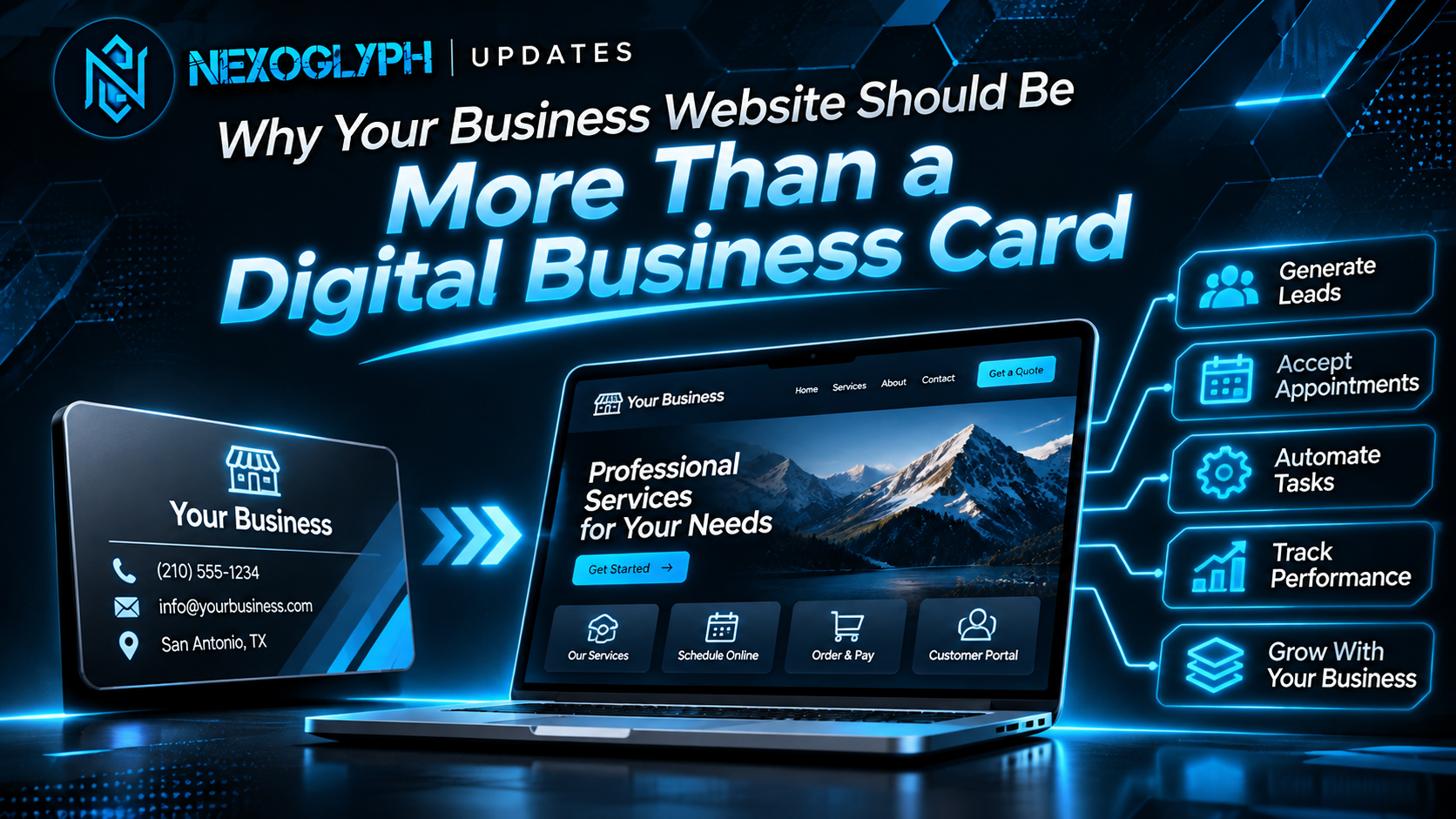
Why Your Business Website Should Be More Than a Digital Business Card
A business website should do more than display contact information. This guide explains how purposeful design can generate leads, build trust, support customer service, automate repetitive tasks, integrate with business
Read Full