Description
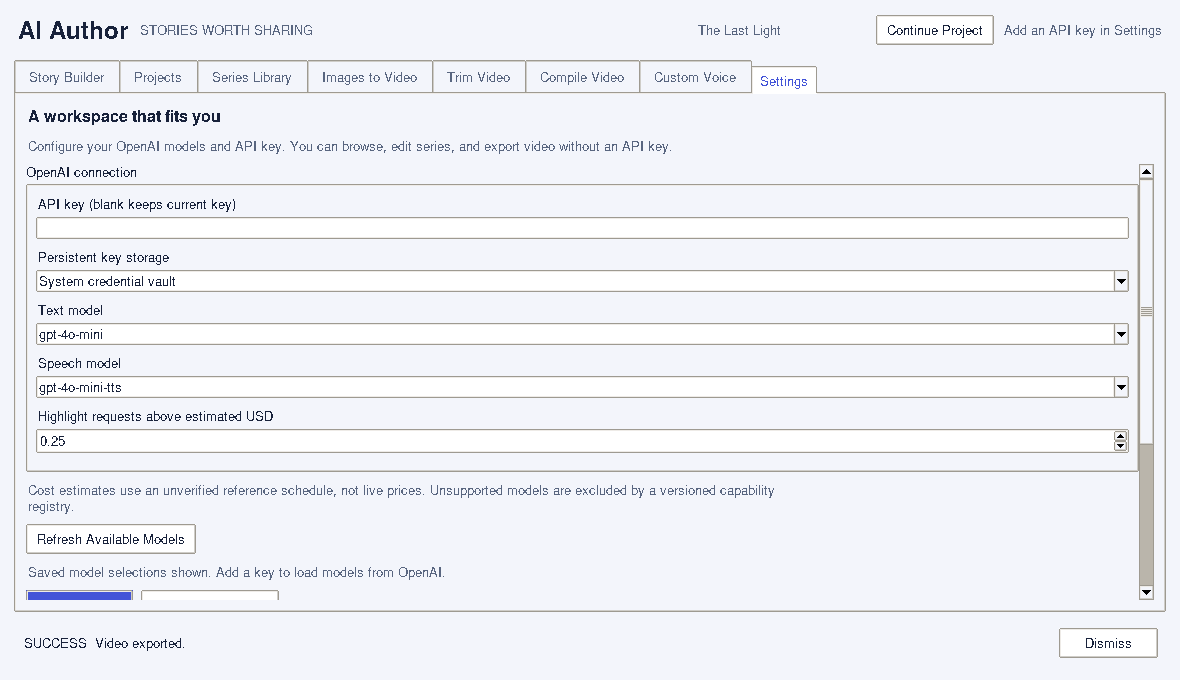
AI Author brings story creation, voice narration, and video production into one desktop workspace.
Turn an idea into an editable draft, shape the narration, and combine it with your own images or footage to create a finished video. AI Author keeps these stages connected so you can focus on the story while maintaining control over the text, voice, visuals, and final export.
Whether you’re developing an episodic fiction series, producing narrated content, or adapting educational material into video, AI Author gives you a practical workflow you can return to and reuse.
Write and refine your story
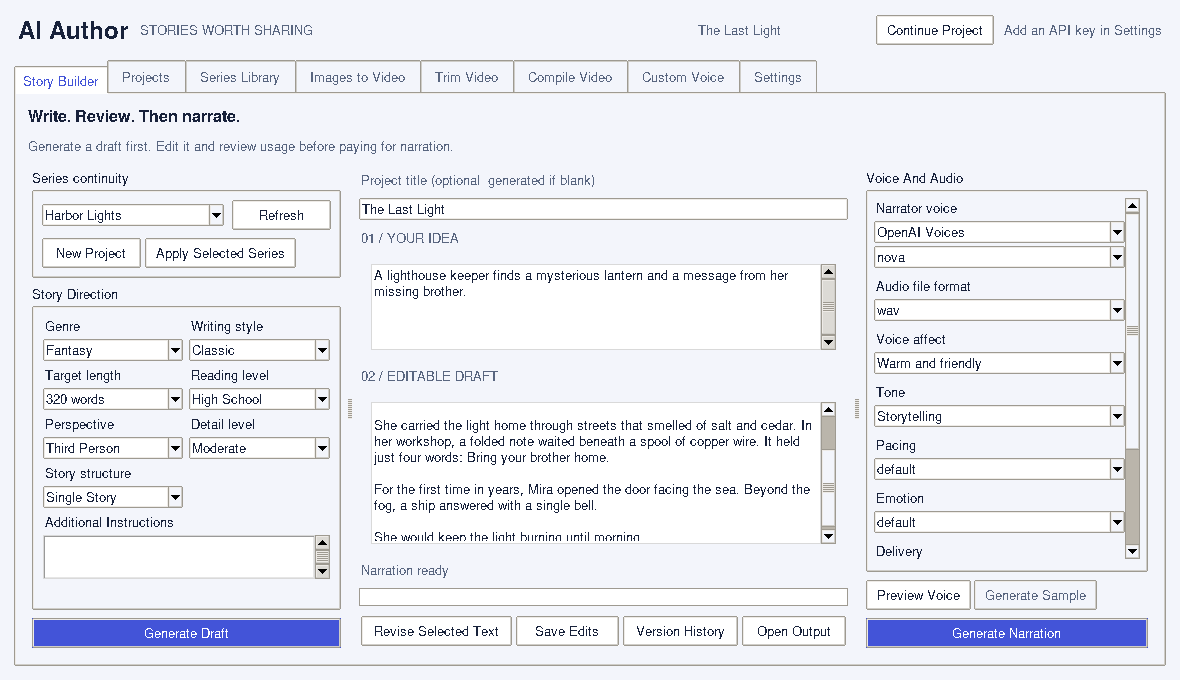
Start with a brief idea and choose the direction you want the story to take. Adjust genre, writing style, target length, reading level, perspective, and descriptive detail. Add your own instructions and supply a title—or leave the title blank to have one generated with the draft.
The draft remains editable. Rewrite passages yourself, save your changes, or select a specific section and request an AI revision. Review the proposed replacement before applying it.
Text generation and narration are separate steps, allowing you to review the writing before submitting another paid request to create audio.
Build a consistent series
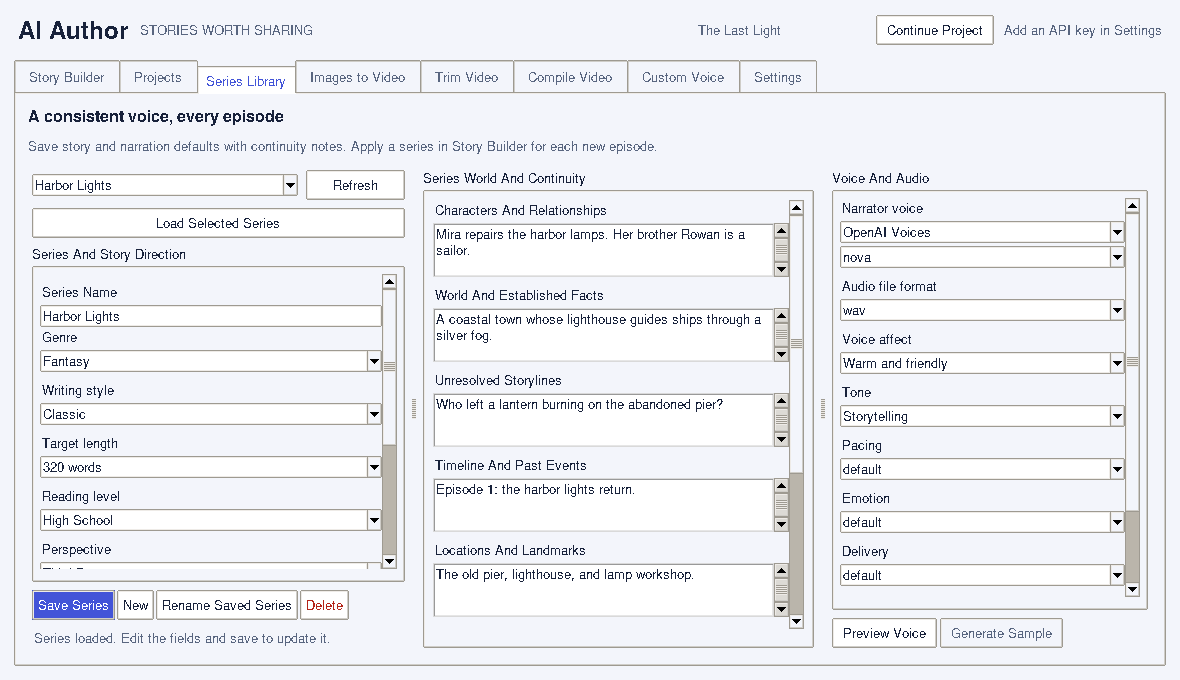
Series Library helps you organize the details that give an ongoing story its identity. Save reusable story and narrator settings alongside notes covering:
- Characters and relationships
- World details and established facts
- Unresolved storylines
- Timelines and past events
- Locations and landmarks
- Factions and motivations
- World rules and limitations
- Themes and recurring motifs
Apply a saved series to a new project to reduce repeated setup. Reviewed episode summaries can inform later drafts, helping you carry important developments forward while deciding what becomes part of the series’ continuity.
Choose a voice that fits the story
Select from supported OpenAI voices and guide the performance with optional tone, pacing, emotion, affect, delivery, and additional voice directions.
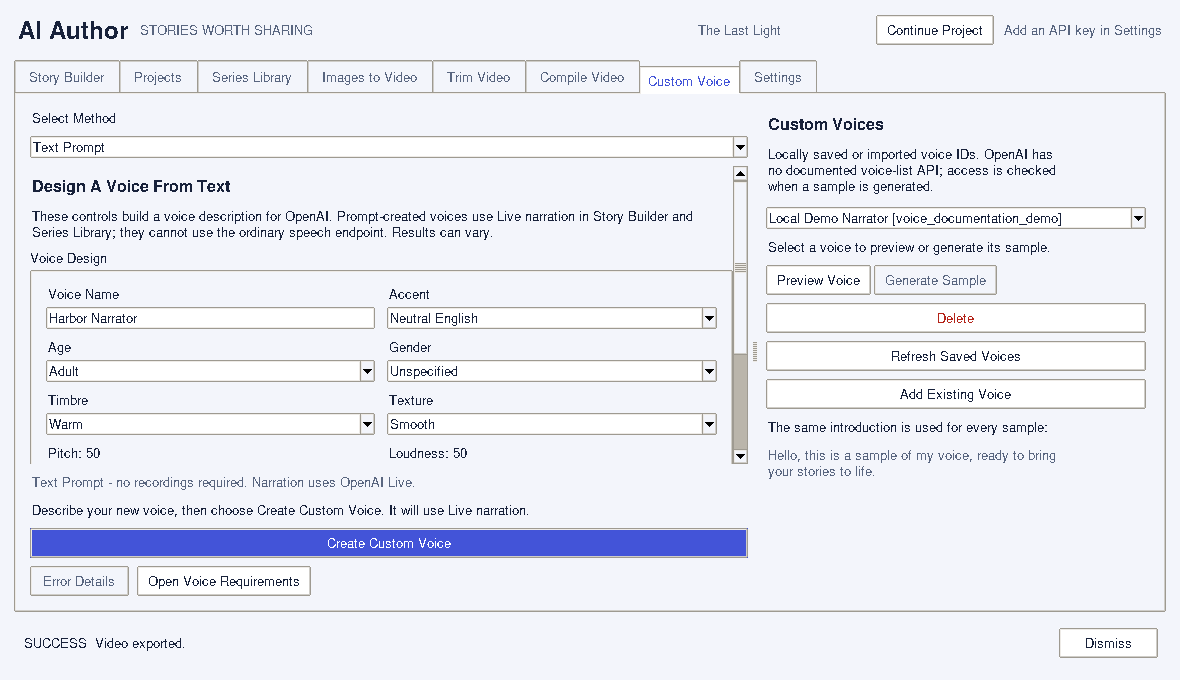
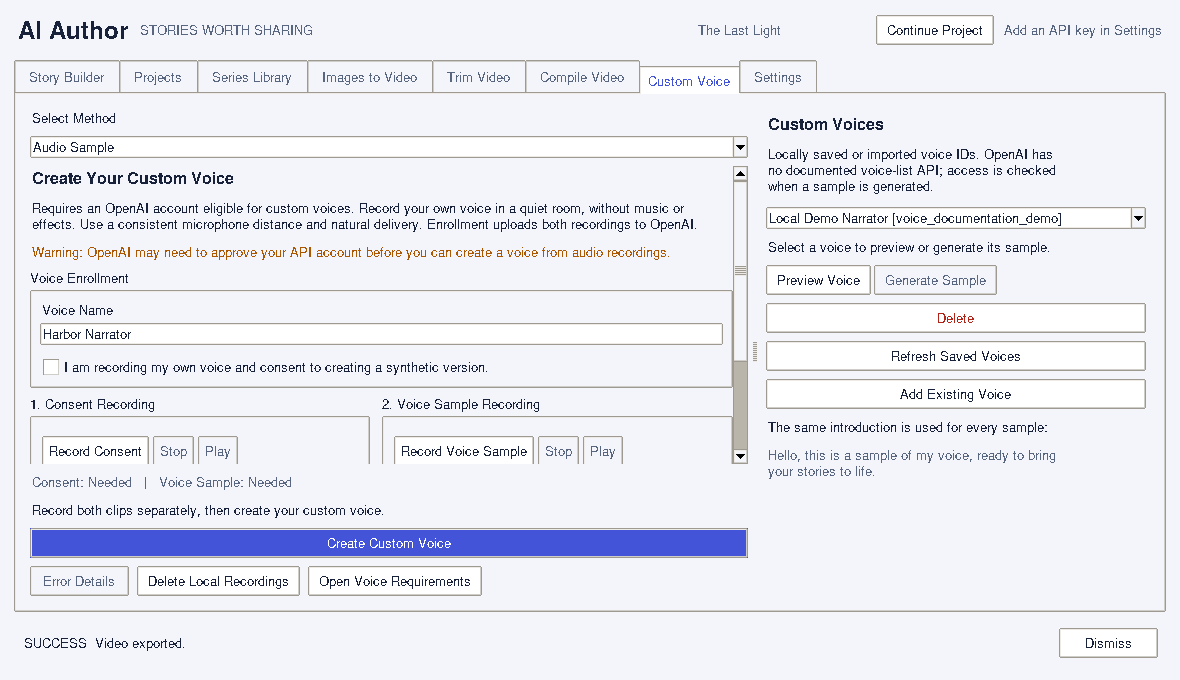
For eligible OpenAI accounts, AI Author also provides two custom-voice creation workflows:
- Audio Sample: Record a voice sample and a separate consent statement using your microphone.
- Text Prompt: Describe a voice using controls for accent, age, gender, timbre, texture, pitch, loudness, speech rate, distinctiveness, and personality.
Save custom voice references for use in Story Builder and Series Library. Generate a reusable MP3 introduction to audition a voice, then play the saved sample locally whenever you need it.
Narration export options include WAV, MP3, Opus, AAC, FLAC, and raw PCM.
Create video backgrounds from your own images
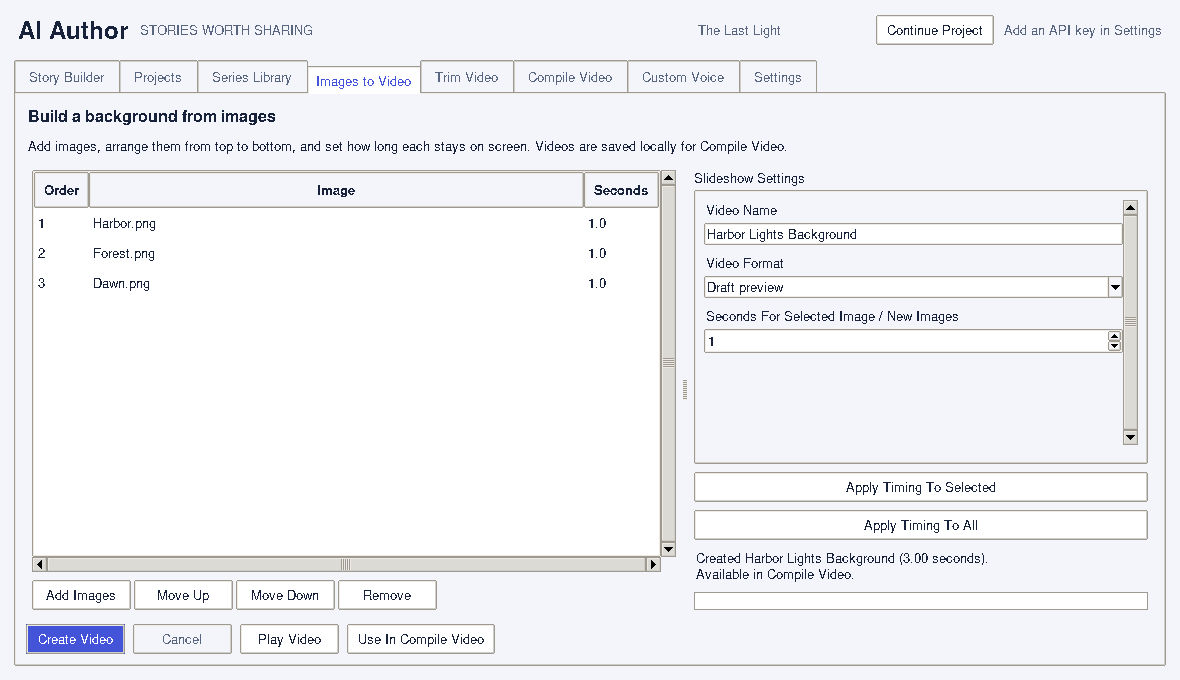
Images to Video turns a collection of pictures into a reusable MP4 background.
Add images, arrange them in your preferred order, and control how long each stays on screen. Apply a shared duration to the whole sequence or give individual images their own timing.
Images fit within the selected frame with padding to preserve the complete picture. Generated backgrounds remain available in the application, ready to select when compiling another video.
Prepare existing footage
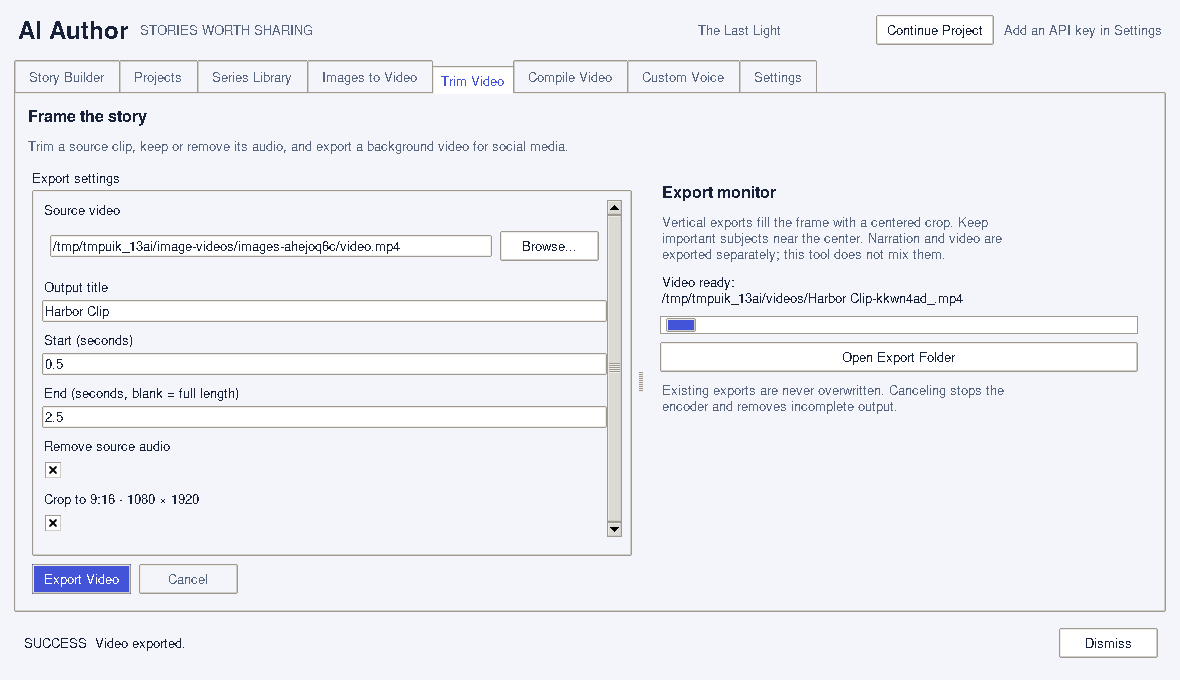
Use Trim Video to select a section of an existing clip, remove its source audio, or crop it into a vertical background.
This gives you a straightforward way to prepare footage before combining it with narration. Local image and video processing does not require an OpenAI API request.
Compile narration, visuals, and captions
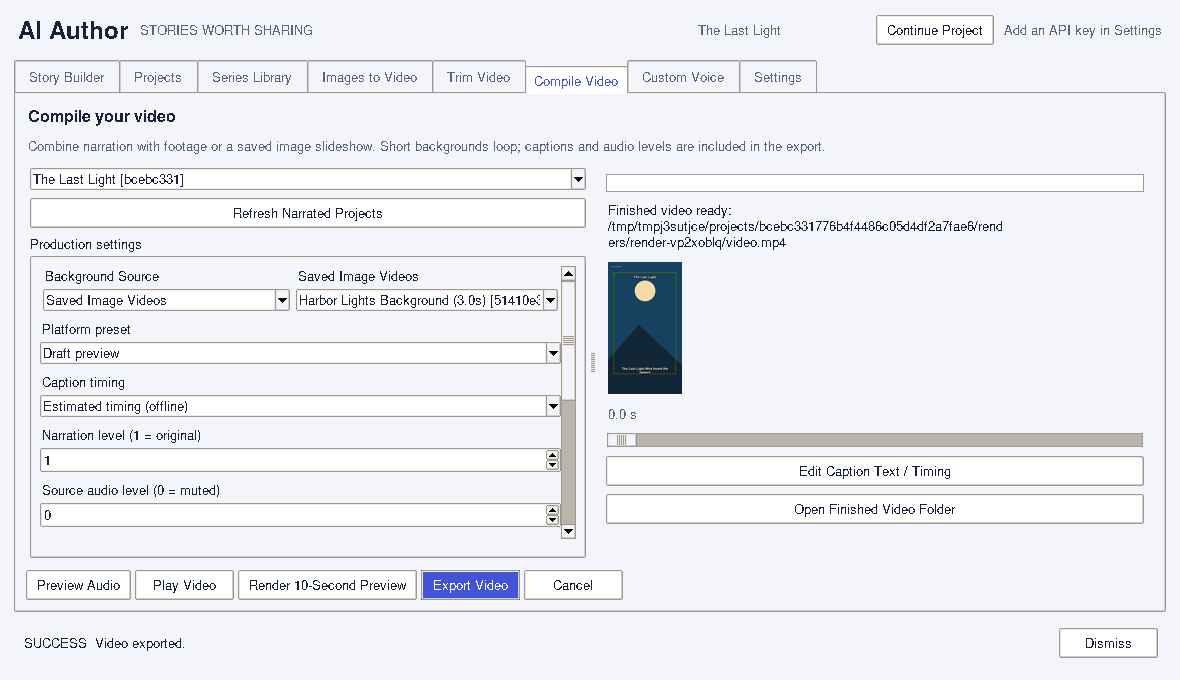
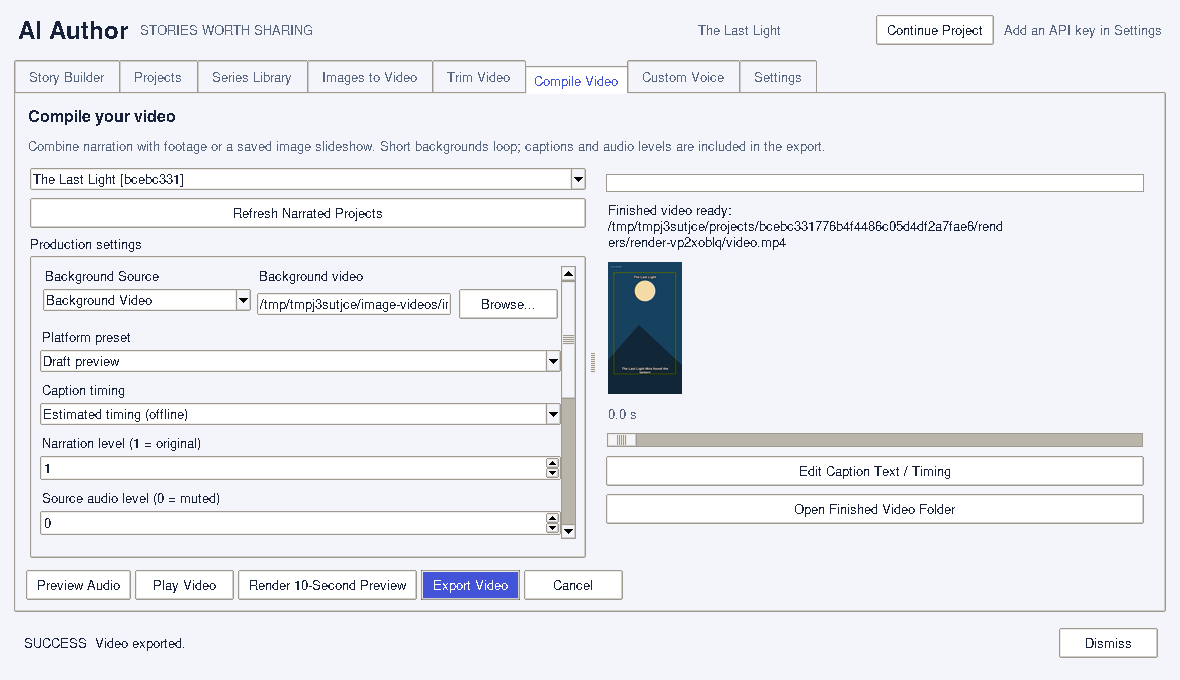
Choose a narrated project and combine it with either an external video file or a saved image-based background. Short backgrounds loop to cover the narration.
Compile Video lets you:
- Display the story title at the top and narration captions along the bottom
- Adjust narration and background-audio levels
- Change crop position
- Customize caption size, color, and bottom margin
- Edit caption text and timing
- Render a short preview before exporting the full video
- Export an H.264/AAC MP4
Choose vertical presets for YouTube Shorts, Instagram Reels, and TikTok, landscape 1080p, or a smaller draft-preview format.
Use approximate offline caption timing, request separate paid word alignment through OpenAI, or turn narration captions off. Captioned exports retain editable subtitle sidecars for further work.
Keep your projects organized
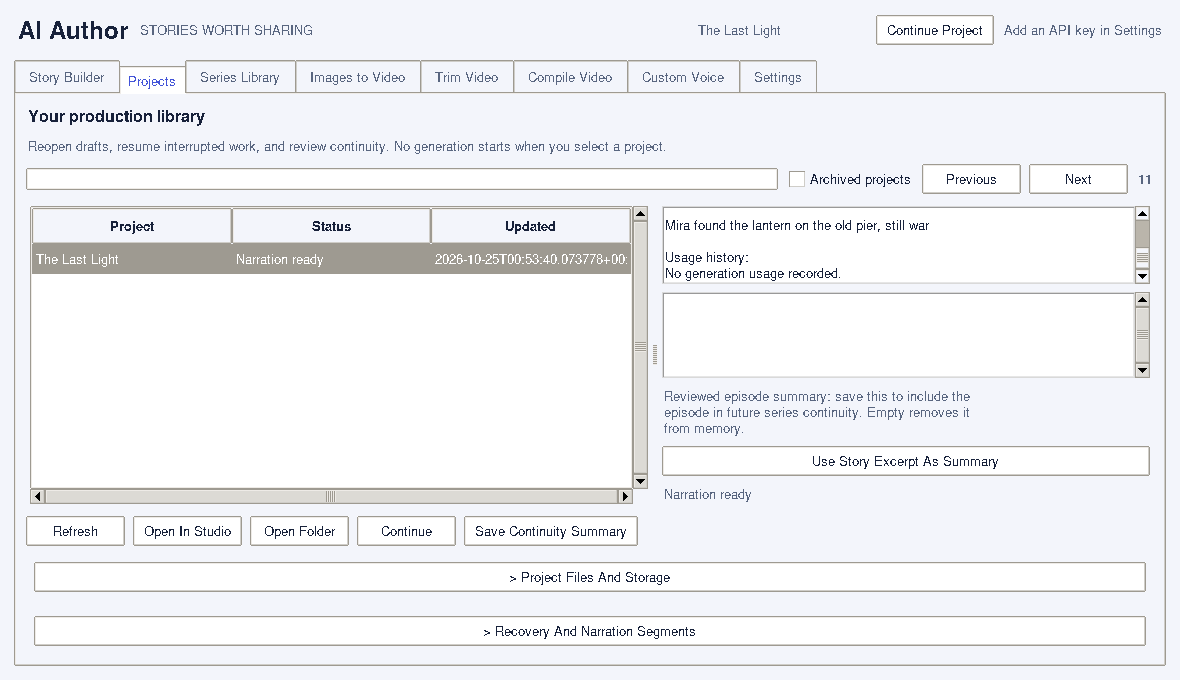
Projects brings saved stories, production status, narration segments, and recorded usage together.
Recoverable editor checkpoints and readable version history help you revisit your work. Retry a failed production stage, reuse unchanged completed narration assets, and transfer projects using portable bundles containing referenced media.
Five appearance themes—Indigo, Ocean, Forest, Rose, and Midnight—let you choose a workspace that suits you.
A practical fit for
- Fiction writers exploring narrated storytelling
- Creators producing recurring story episodes
- Educators turning reviewed material into narrated explainers
- Content teams reusing established narrator and visual settings
- Independent creators who want a guided production workflow
Requirements and important details
AI Author is a desktop application. Running from source requires Python 3.12 with Tk support and the documented dependencies. Check the installation instructions and package availability for your operating system.
AI generation requires your own compatible OpenAI API account, internet access, model permissions, and billing. OpenAI credits and API usage charges are not included. Custom voice creation may require account approval, and prompt-created voices require supported Live access. Failed or canceled provider requests may still incur charges.
You supply the source images or footage. AI Author does not generate source visuals or publish directly to social platforms. Generated writing, narration quality, caption timing, and series continuity should be reviewed before distribution. Voice directions guide the model; they do not guarantee an exact performance or voice duplicate.
Bring your story, voice, and visuals together—and keep the final creative decisions in your hands.